
Category: Security Operations. Tags: security-operations, tooling-optimization, alert-noise.
Start by inventorying capabilities, not just products
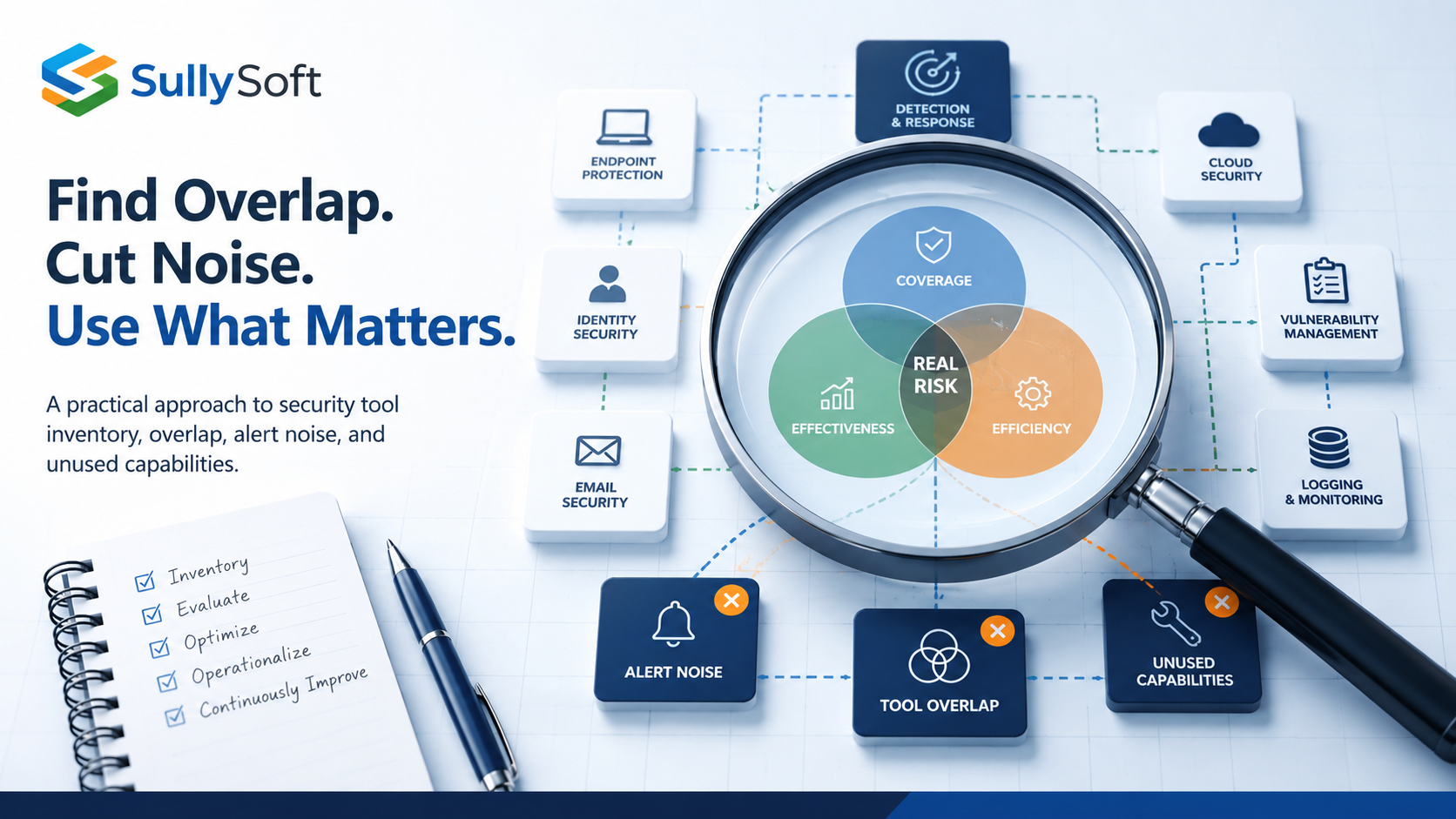
To find security tool overlap and alert noise, build a capability inventory before you debate individual vendors. The key question is not “what tools do we own?” It is “what security outcomes are we trying to achieve, which products contribute to them, and which of those contributions are actually operationalized?” That shift reveals duplicate coverage, blind spots, feature waste, and reporting noise much faster than a product-by-product debate.
Who this article is for
This article is for security leads, IT leaders, founders, and lean operations teams that have accumulated multiple platforms across endpoint, identity, cloud, vulnerability management, email, and logging. It is especially useful when renewals are approaching, alert fatigue is rising, or leadership suspects the tooling stack has become harder to manage than the problems it was meant to solve.
Product ownership and capability ownership are not the same
One of the fastest ways to create overlap is to confuse who pays for a tool with who owns the control outcome. A platform might be purchased by IT, configured by an MSP, partially monitored by a security vendor, and still have no clear owner for detection quality, response workflow, or policy review.
Before deciding what to keep or cut, document both:
- Product ownership: who manages the contract, access, and vendor relationship.
- Capability ownership: who is responsible for the control actually working.
If capability ownership is missing, the organization often mistakes “installed” for “operational.”
Build a capability map across the stack
Create a simple matrix of the major security capabilities you expect to have: endpoint prevention, endpoint telemetry, identity protection, cloud configuration monitoring, vulnerability discovery, email security, log retention, alerting, case management, and reporting. Then map every product or service that claims to contribute.
| Domain | Capability | Expected? | Importance | Tool 1 | Tool 2 | Tool 3 | Tool 4 | Tool 5 | Coverage | Overlap | Underuse |
|---|---|---|---|---|---|---|---|---|---|---|---|
| Endpoint | Endpoint prevention | Yes | Critical | Operational | Not Claimed | Pending | |||||
| Endpoint | Endpoint telemetry | Yes | Critical | Contracted / Not Configured | Not Claimed | Pending | UNDERUSED | ||||
| Identity | Identity protection | Yes | Critical | Not Claimed | Operational | Pending | |||||
| Cloud | Cloud configuration monitoring | Yes | High | Not Claimed | Not Claimed | Pending | |||||
| Vulnerability Management | Vulnerability discovery | Yes | Critical | Contracted / Not Configured | Not Claimed | Pending | UNDERUSED | ||||
| Messaging | Email security | Yes | Critical | Unknown | Not Claimed | Pending | |||||
| Security Operations | Log retention | Yes | High | Not Claimed | Contracted / Not Configured | Pending | UNDERUSED | ||||
| Security Operations | Alerting | Yes | Critical | Unknown | Contracted / Not Configured | Pending | OVERLAP | UNDERUSED | |||
| Security Operations | Case management | Yes | High | Not Claimed | Not Claimed | Pending | |||||
| Governance / Operations | Reporting | Yes | High | Configured / Not Used | Unknown | Not Claimed | Pending | OVERLAP | UNDERUSED | ||
| Additional | Password Manager | Yes | Medium | Not Claimed | Not Claimed | Operational | Not Claimed | Not Claimed | Covered | ||
| Network Security | Firewall | Yes | Critical | Not Claimed | Not Claimed | Not Claimed | Operational | Not Claimed | Covered | ||
| Network Security | Remote Access (VPN) | Yes | High | Not Claimed | Not Claimed | Not Claimed | Not Claimed | Operational | Covered |
example of a capability matrix
This exercise usually reveals at least one of three things:
- Multiple tools claim the same capability.
- A capability exists in the contract but is not configured.
- A capability is configured but never used in the analyst workflow.
Look for duplicate coverage in endpoint, identity, cloud, and vulnerability tools
Overlap is not automatically bad. Some redundancy is intentional. The problem appears when duplicate coverage creates more alerts, more dashboards, and more ingestion cost without improving decision quality.
Common overlap patterns include:
- Endpoint controls split across multiple agents with similar detections.
- Cloud posture findings duplicated between a CSPM, a workload platform, and a SIEM rule set.
- Identity risk surfaced in more than one platform but investigated nowhere consistently.
- Vulnerability data duplicated across scanners, endpoint tools, and cloud consoles.
The review should distinguish between useful corroboration and noisy duplication.
Measure alert noise at the workflow level
A platform may generate accurate detections and still create operational drag if the workflow around it is poor. Review which alert sources analysts trust, which alerts are routinely closed without action, which detections are ignored because they repeat too often, and where manual triage is happening outside the official system.
False positives matter, but so do low-context alerts, duplicate tickets, and detections that arrive too late to matter.
Identify features that are licensed but not configured
One of the easiest sources of waste is paying for capability that was never turned on or never fully integrated. This often happens after urgent purchases, tool migrations, or changes in staff ownership.
Look for:
- Modules that require onboarding steps that never finished.
- Advanced policies that stayed in audit mode indefinitely.
- Integrations that exist in theory but not in production.
- Reporting features no stakeholder actually receives.
That does not always mean the product should be replaced. It may mean the organization never completed the implementation.
Separate configuration from operationalization
A feature can be configured and still fail to produce value if no one acts on it. That distinction matters. A tuned alert with no owner is still operationally dead. A vulnerability dashboard no one uses for remediation planning is still shelfware, even if the data is technically present.
This is why analyst workflow review belongs in tooling optimization. Tool value depends on how the work moves after the alert, not just on whether the checkbox is enabled.
Include ingestion, retention, and reporting cost in the review
Tool overlap often creates downstream cost through log duplication, excessive retention, and parallel reporting streams. If the organization pays separately for telemetry ingestion, SIEM retention, MDR review, or reporting labor, those costs should be attached to the capability map.
Otherwise, a product may look inexpensive on paper while creating hidden operational expense across the rest of the stack.
Evaluate integration quality, not just integration count
Security vendors often advertise many integrations. The practical question is whether those integrations deliver usable context into the analyst workflow. Review whether asset identifiers line up, whether deduplication happens, whether ticketing metadata is preserved, and whether actions can be traced across platforms.
Poor integrations create some of the worst forms of noise because they give the appearance of centralization while still requiring manual correlation.
Time the keep, improve, replace, or retire decisions carefully
The best decision is not always immediate consolidation. Renewal timing, contract terms, migration effort, and control dependencies all matter. A useful review should classify findings into:
- Keep as-is because the capability is working.
- Improve configuration or workflow because the product is underused.
- Replace because the capability fit is poor.
- Retire because the overlap no longer adds value.
That structure helps leadership understand why “fewer tools” is not the goal by itself. The goal is better control coverage with less waste and less friction.
Watch consolidation risk
Consolidation can simplify operations, but it can also increase dependency on one vendor, reduce specialty coverage, or force migrations the team cannot support. Before retiring a tool, confirm what detection, data, workflow, or reporting function will remain and who is accountable after the change.
Recommended next step
Start with a short capability and workflow review rather than a replacement project. If the organization cannot explain which tools produce which outcomes today, it is too early to make good platform decisions.
Relevant SullySoft CTA
If you need a structured review of tool overlap, alert quality, unused features, and renewal options, start with the Security Tooling Optimization Review.
Sources and references
About the author

Mike Sullivan
Mike Sullivan leads SullySoft engagements across cybersecurity, cloud architecture, automation, and secure software delivery.
Relevant next step
Move from article advice to a scoped recommendation
Use this article as a starting point, then map the recommendations to your environment, constraints, and priorities.